Multichannel without the mess: one system, one inbox, one set of rules
Email, LinkedIn, landing pages, follow-up and the CRM usually live in eight different tools. Here is how we run them as one motion.
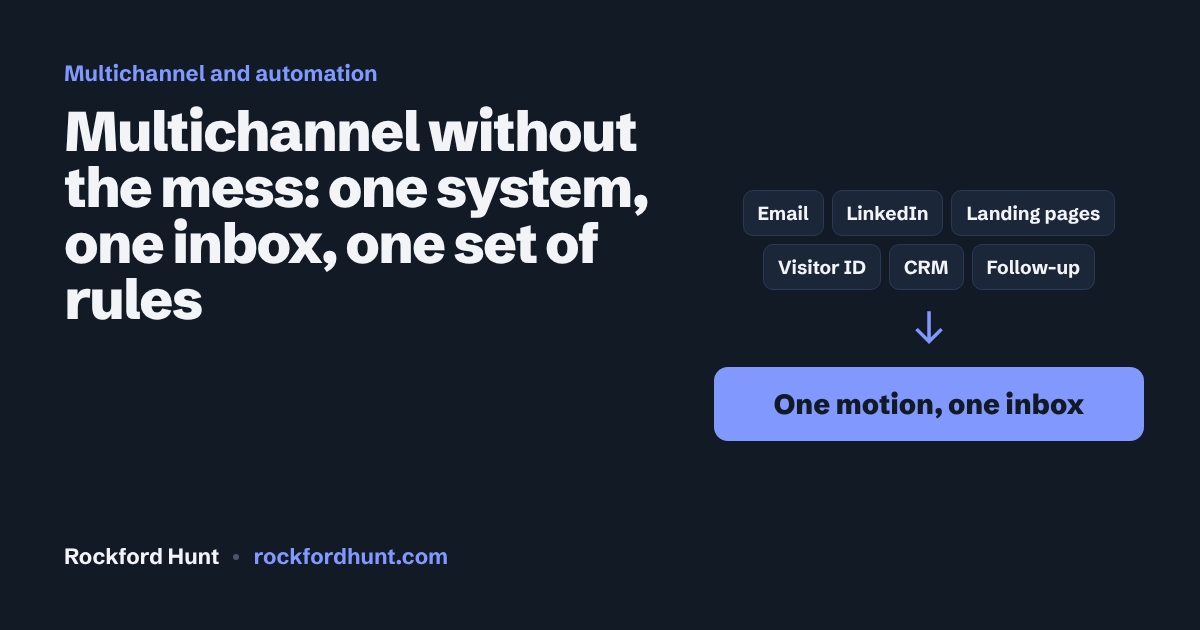
A typical outbound stack has a data tool, an email tool, a LinkedIn tool, a CRM, a landing page builder, a visitor tracker, a scheduler and a spreadsheet holding it all together. Eight logins. Eight bills. Eight versions of the truth.
Every handoff between them is a place where a reply gets missed.
One motion, many channels
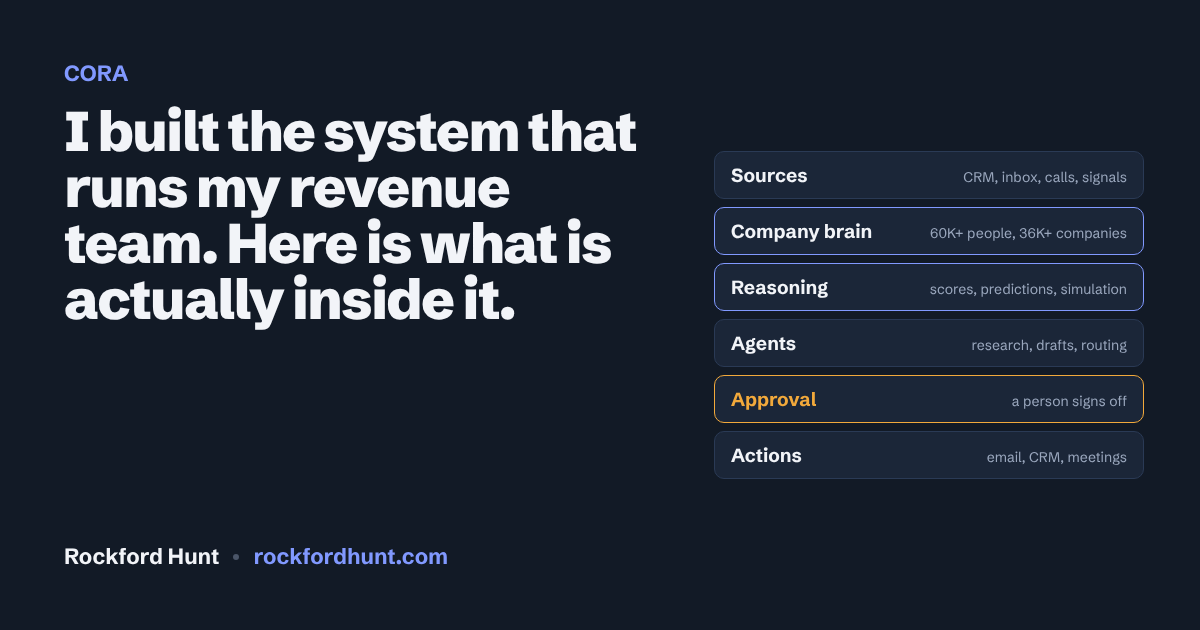
At SalesDriver we run outreach as one system. Emails send from the customer's own Gmail or Outlook inbox. LinkedIn invitations go out with follow-ups to everyone who accepts. Replies from every channel land in one combined inbox. Landing pages, company-level website visitor identification and the CRM sit in the same place.
The customer sees one login, one bill and one pool of credits. Underneath, CORA decides how each message actually goes out.
The system owns the rules
Most of what makes outbound work is boring and easy to get wrong by hand. So the system owns it: sequence timing, follow-ups, stopping the moment someone replies, daily caps, randomized send windows, mailbox rotation, bounce handling, throttling and testing.
No rep should ever have to remember to stop a sequence because a prospect wrote back. That is a machine's job.
Automations that do the busywork
On top of the channels sit automated flows. The demo on the home page walks through four of them:
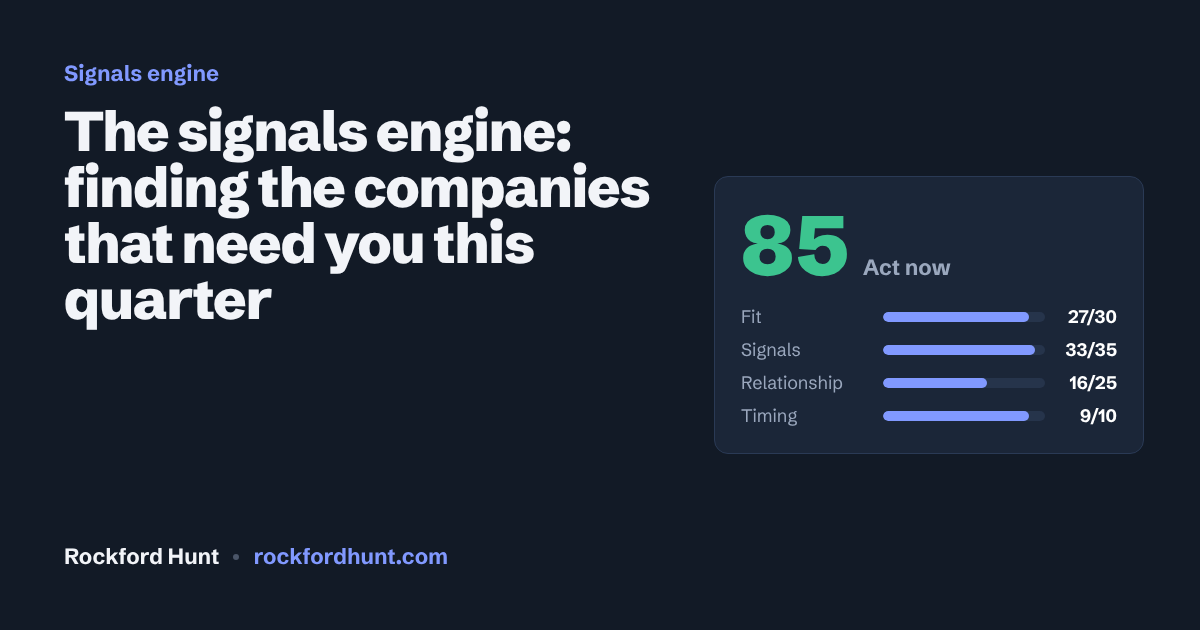
- A new sales leader is hired at a target account. The system researches the person, scores the account, picks the angle and drafts a first touch. A rep approves it.
- A reply comes in. It gets classified as interested, objection, referral, not now or unsubscribe. Unsubscribes are suppressed everywhere. Good replies get a drafted response and an alert to the owner.
- A meeting gets booked. A one-page brief lands with the rep two hours before the call.
- A deal goes quiet for 14 days. The system checks what changed and recommends one action for the weekly pipeline review.
Every flow that reaches a buyer has a human approval step in it. Automation handles the volume. People handle the judgment.
The lesson that cost the most
At one point we had hundreds of warmed-up mailboxes ready to send and almost nothing going out. We spent days looking at campaign settings. The campaigns were fine. We had simply run out of the right companies to contact.
Multichannel does not fix an empty pipeline. Supply comes first: the right accounts, verified, with a real reason to reach them now. Channels and automations only multiply what you feed them.
What a revenue leader should take from this
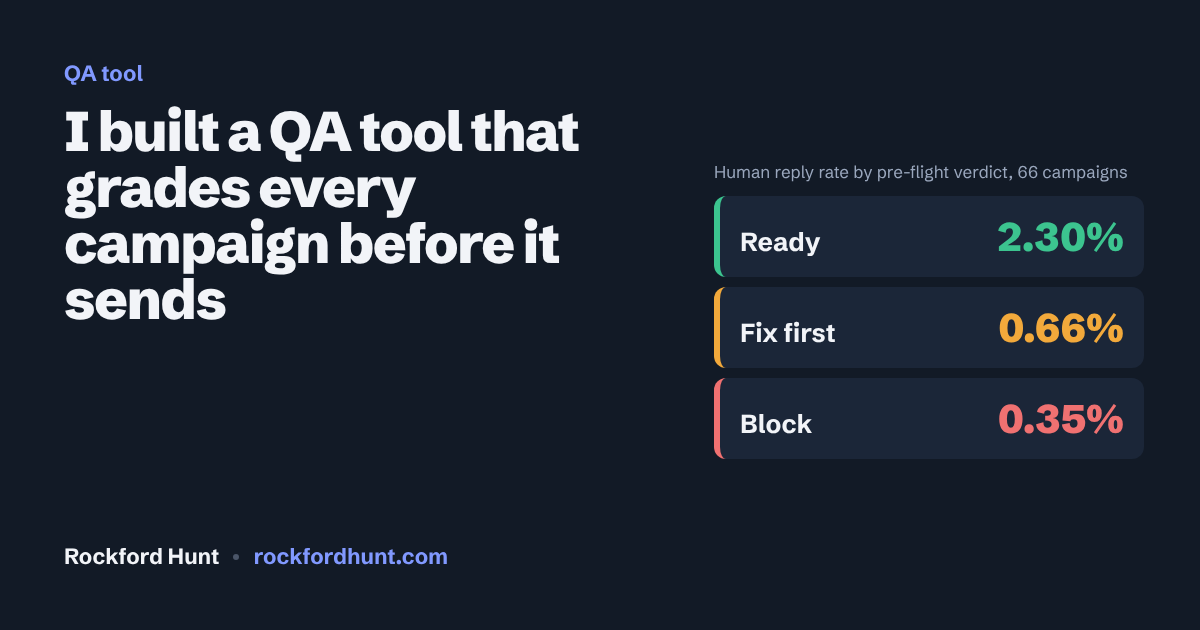
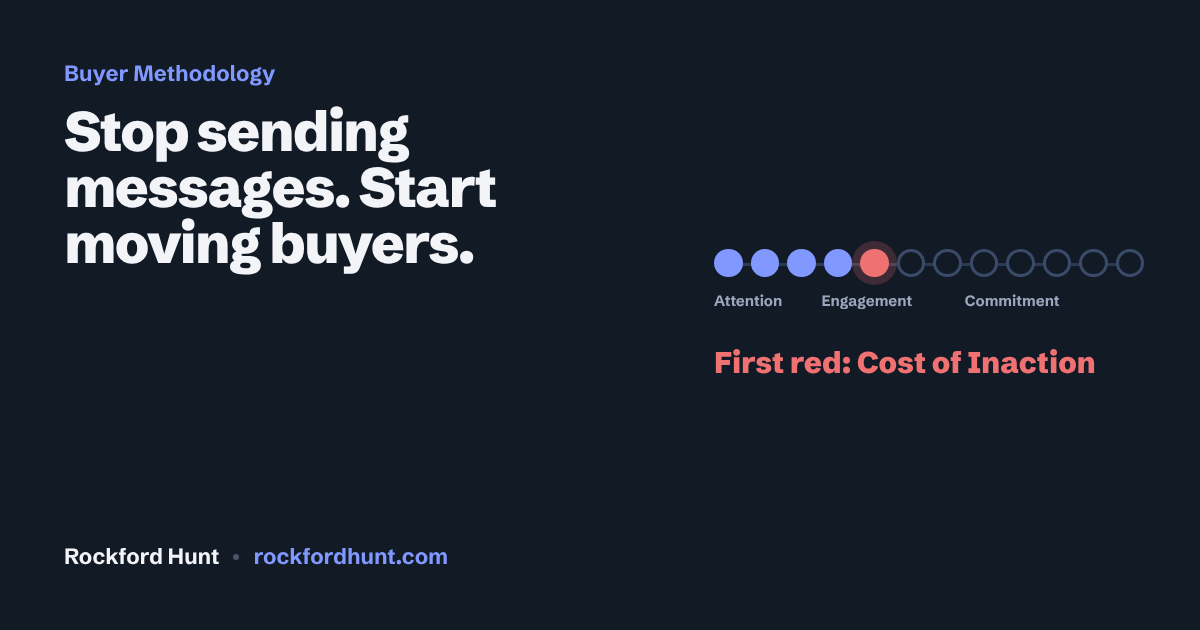
Do not buy channels. Build a motion. Decide the rules once, put them in the system, check every campaign against them before it sends, and let your people spend their hours on conversations instead of copying data between tabs. Write the messages around what actually moves a buyer.
Press run on any flow in the automations demo and watch where the human approval sits.
Questions people ask
What is multichannel outbound?
Multichannel outbound reaches buyers on more than one channel, such as email and LinkedIn, as one coordinated sequence, with replies from every channel landing in one inbox.
What should be automated in a B2B sales process?
The rules that are easy to get wrong by hand: timing, follow-ups, stopping when someone replies, daily caps, send windows, mailbox rotation, bounce handling and routing replies. Judgment about what reaches a buyer stays with a person.
Why doesn't adding channels fix a weak pipeline?
Channels only multiply what you feed them. If you run out of the right accounts to contact, more channels send nothing useful. Account supply, verified and timed, comes first.
I'm Rockford Hunt. I've spent 20+ years in B2B sales, I founded SalesDriver, and I'm open to CRO and VP of Sales roles.
Contact RockTry the AI labResume